
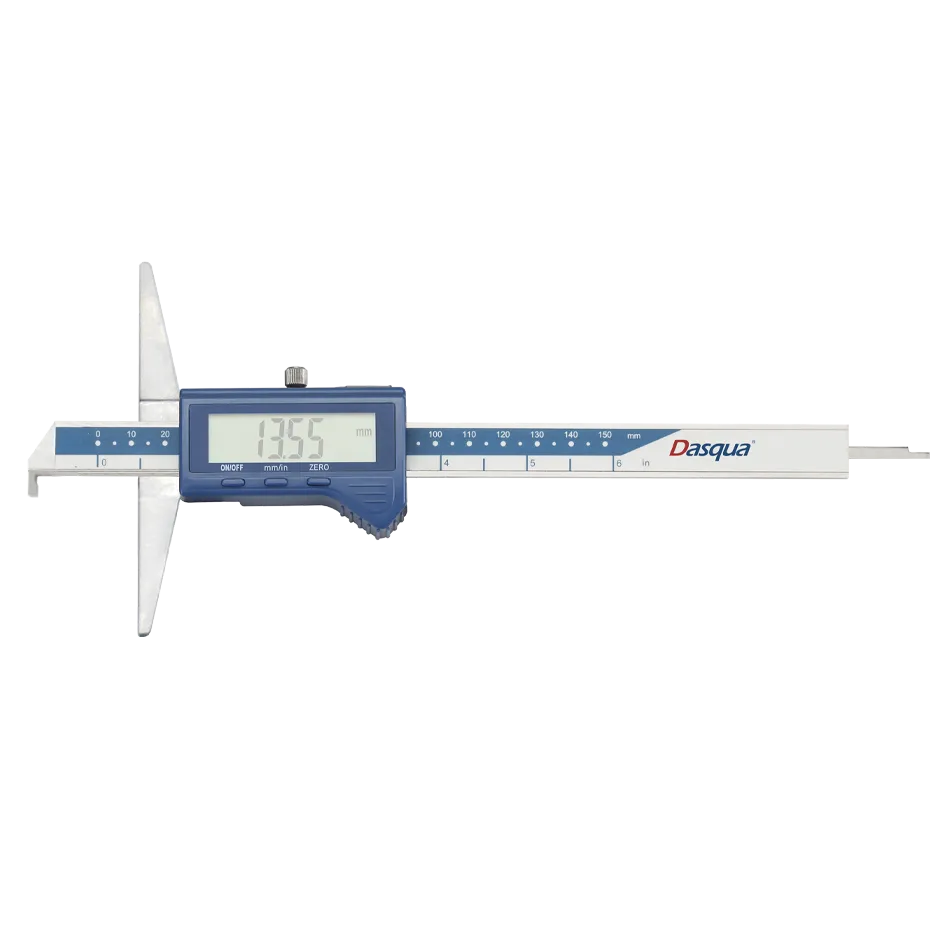
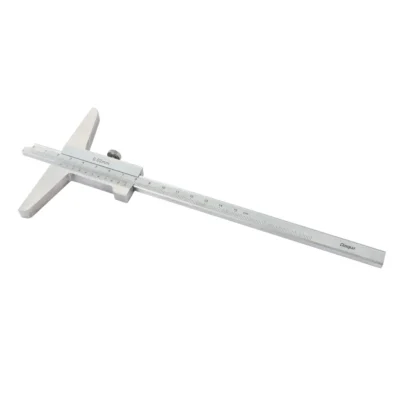

| کد کالا | سایز | دقت | تیپ | میزان خطا |
| 2001-2005 | 0-150/0-6″ | 0.01/0.005″ | ±0.03 | |
| 2001-2010 | 0-200/0-8″ | 0.01/0.005″ | ±0.03 | |
| 2001-2015 | 0-300/0-12″ | 0.01/0.005″ | ±0.04 | |
| 2103-1005 | 0-150/0-6″ | 0.01/0.005″ | Ip54 Water Proof | ±0.03 |
| 2103-1010 | 0-200/0-8″ | 0.01/0.005″ | Ip54 Water Proof | ±0.03 |
| 2103-1015 | 0-300/0-12″ | 0.01/0.005″ | Ip54 Water Proof | ±0.04 |
| 2230-8105 | 0-150/0-6″ | 0.01/0.005″ | Absolute & IP54 Water Proof | ±0.03 |
| 2230-8115 | 0-200/0-8″ | 0.01/0.005″ | Absolute & IP54 Water Proof | ±0.03 |
| 2230-8125 | 0-300/0-12″ | 0.01/0.005″ | Absolute & IP54 Water Proof | ±0.04 |
| 2330-1105 | 0-150/0-6″ | 0.01/0.005″ | IP67 Water Proof | ±0.03 |
| 2330-1110 | 0-200/0-8″ | 0.01/0.005″ | IP67 Water Proof | ±0.03 |
| 2330-1115 | 0-300/0-12″ | 0.01/0.005″ | IP67 Water Proof | ±0.04 |
| 2330-3105 | 0-150/0-6″ | 0.01/0.005″ | IP67 Water Proof & Wireless Data Transfer | ±0.03 |
| 2330-3110 | 0-200/0-8″ | 0.01/0.005″ | IP67 Water Proof & Wireless Data Transfer | ±0.03 |
| 2330-3115 | 0-300/0-12″ | 0.01/0.005″ | IP67 Water Proof & Wireless Data Transfer | ±0.04 |

دستورالعملها (INSTRUCTIONS)
- پیش از استفاده از کولیس دیجیتال عمقسنج، سطح برچسب محافظ را با یک پارچه خشک و تمیز (یا آغشته به روغن پاککننده) تمیز کنید.
- هرگز ولتاژ الکتریکی به هیچ بخشی از عمقسنج وارد نکنید یا با قلم حکاکی الکتریکی روی آن ننویسید، چون ممکن است مدار الکترونیکی آسیب ببیند.
- زمانی که از عمقسنج استفاده نمیکنید، با فشار دادن دکمه “ON/OFF” آن را خاموش کنید. در صورت عدم استفاده طولانیمدت، باتری را از دستگاه خارج نمایید.
- قابلیت تنظیم صفر در هر موقعیت.
- تبدیل بین واحد اینچ/میلیمتر در هر موقعیت.
- از طریق یک کابل ویژه، میتوان دادهها را به یک مینی پرینتر خاص ارسال کرد.
روش اندازهگیری (Method of Measurement)
1. آمادهسازی:
A. سطح برچسب محافظ و کلیه سطوح اندازهگیری را طبق دستورالعمل بالا تمیز کنید.
B. پیچ قفل را شل کرده و لغزنده را حرکت دهید تا از صحت عملکرد صفحه نمایش و دکمهها اطمینان حاصل کنید.
2. نحوه اندازهگیری:
A. دکمه “inch/mm/F” را فشار دهید تا واحد اندازهگیری مورد نظر انتخاب شود.
B. لغزنده را حرکت دهید تا سطح اندازهگیری با صفحه مبنا همسطح شود. سپس دکمه ZERO را فشار دهید تا اندازهگیری را آغاز کنید.
INSTRUCTIONS
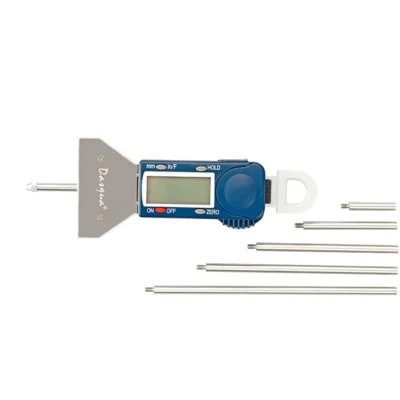
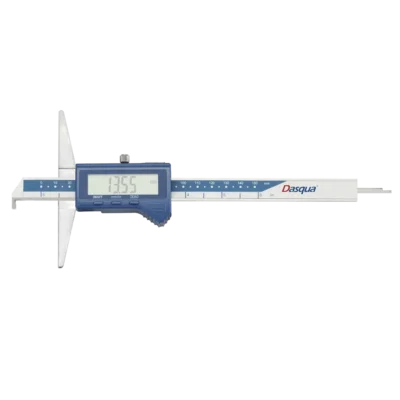
- Before using the Digital Depth Gauge, Clean the surface of the protective sticker with dry and clean cloth (or soaked with cleaning oil).
- Never apply voltage on any part of the Depth Gauge or engrave with an electric pen for fear of damaging the electronics.
- Turn off the Depth Gauge by pressing “ON/OFF” button when the Depth Gauge is not in use. Take out the battery if the Depth Gaugewill stay idle for a long time.
FUNCTIONS
- Zero setting at any location
- inch/metric system conversion at any location.
- Through a speical cable, the data can be input into a special microprinter.
APPLICATION
1. Preparations:
A. Clean the surface of the protective sticker(Please refer to the below mentioned Instructions) and all the measuring faces
B. Loosen the locking screw and move the slider check to see if the display screen and all the buttons work properly.
Method of Measurement:
A. Press “inch/mm/F” button to select a unit system needed.
B. Move the slider until the measuring face is levelled with the datum plane. Then press ZERO button to start measuring.





دیدگاهها
هیچ دیدگاهی برای این محصول نوشته نشده است.